1. Set up the screen
Open SingWall on the laptop connected to your projector or TV, link your Spotify Premium account and the karaoke screen is ready.
KARAOKE ON THE WALL
SingWall plays the track through Spotify, projects the lyrics line by line on the wall and lets your guests request songs from their phone under their own stage name. Perfect for house parties, company events, bars and venues.
Free for private use (basic, without guest requests) · Night pass from €5
Please note: you need a Spotify Premium account to use SingWall.
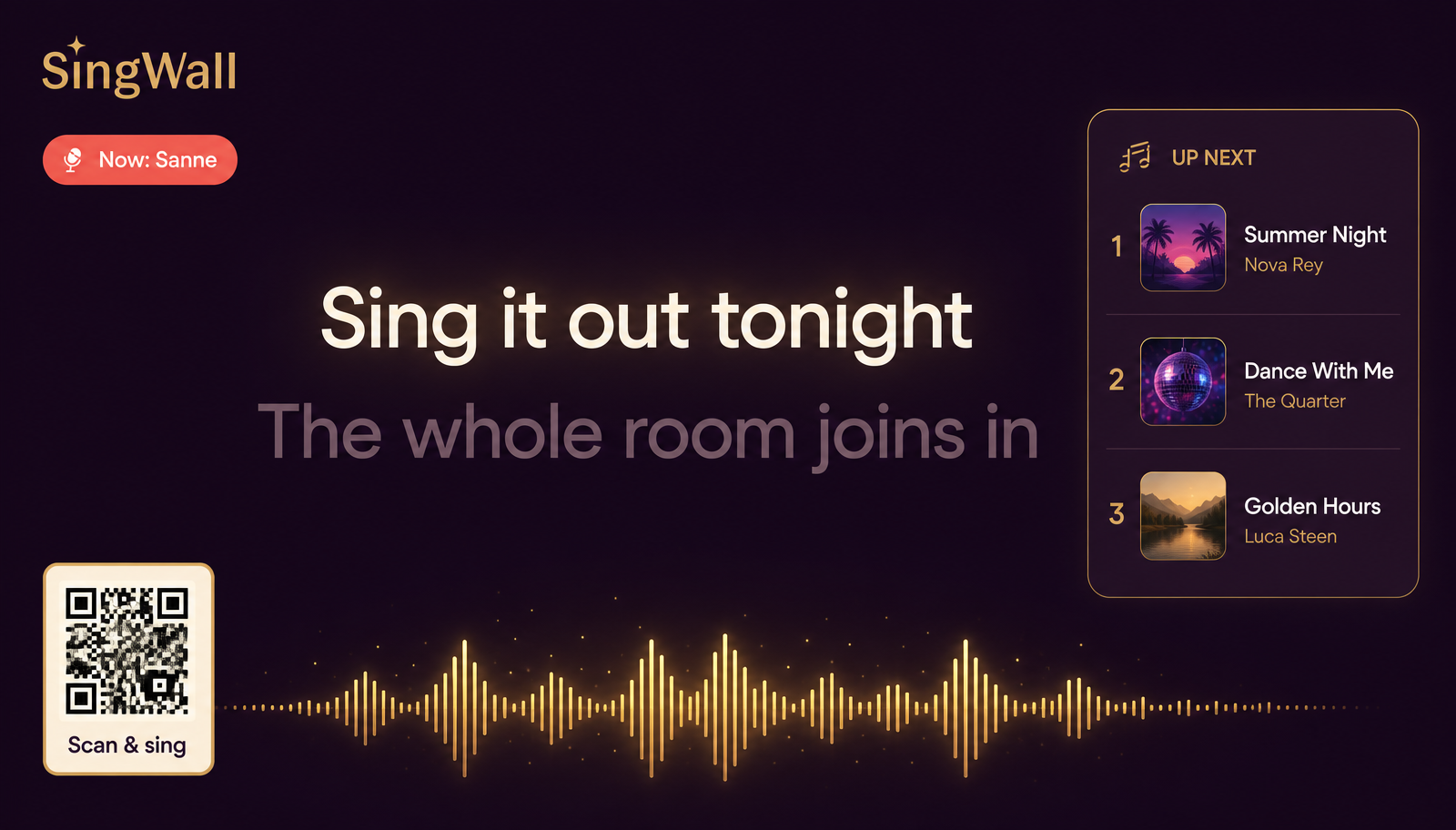
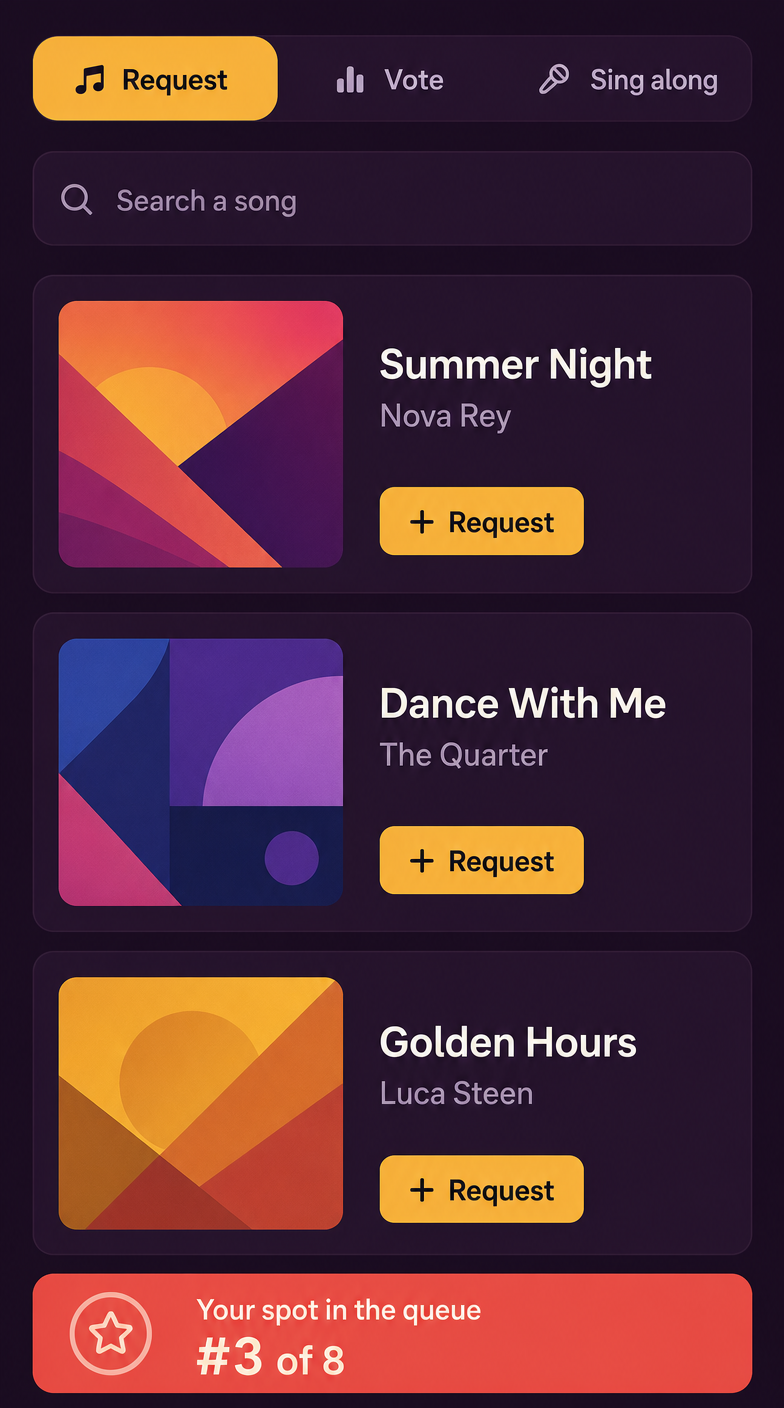
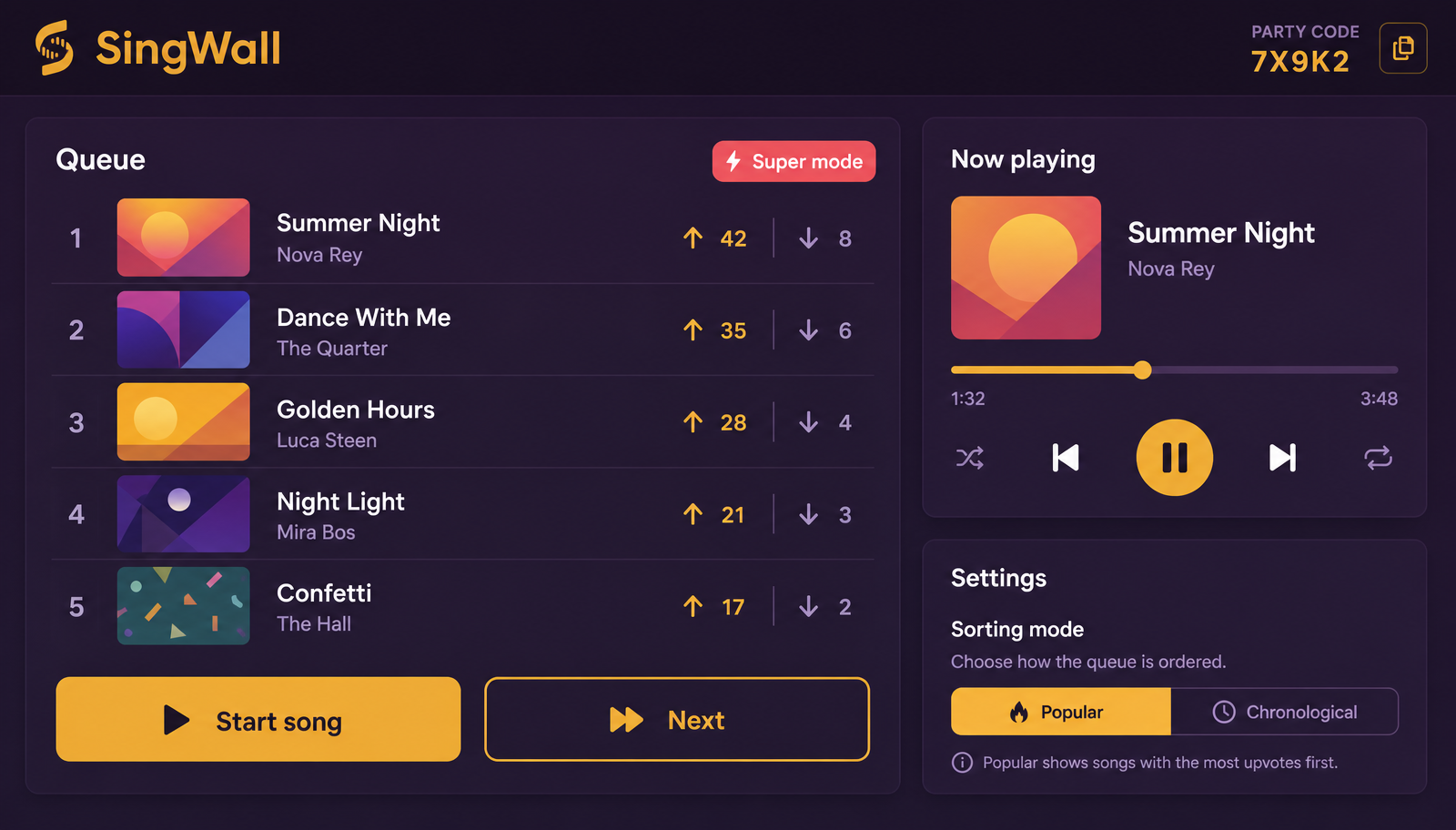
Screenshots from the actual product: the karaoke screen in the room, the mobile request page for guests and the host panel you run the night from.
Lyrics line by line in large type, with the current performer, the score, the up-next queue and a QR code that is always scannable.
Guests scan the QR, pick a stage name and search Spotify straight away. They see who is singing, vote on the queue and track their own requests.
Open SingWall on the laptop connected to your projector or TV, link your Spotify Premium account and the karaoke screen is ready.
The QR code stays on screen at all times. Guests pick a stage name, no app, no account.
Search the full Spotify catalogue, request songs and (on Premium) up- and downvote them. The host always stays in control.
Start and skip tracks, fine-tune lyric timing, use super mode to push a song to the front and manage your plan and settings.
The lyrics run line by line, showing the performer's name and a 'get ready' for whoever is up next.
Everyone sees in real time who is singing and what is coming up.
Mobile request page with Spotify search built in.
Up- and downvotes reorder the queue, with animations on the big screen.
Type a brand name or website URL and the screen plus every phone adopts that style.
As host you can always push a song straight to the front of the queue.
Tracks without synced lyrics are rejected automatically.
Exactly 30 seconds between songs: guests answer three questions about the next track. Points become extra votes. (Premium)
Guests send snapshots from their phone that appear as polaroids next to the lyrics. (Premium)
SingWall automatically looks for instrumental or karaoke versions on Spotify, so you take the lead.
Free for private use with the basics. Want guests to request songs? Buy a night pass. Bars, venues and events have monthly subscriptions.
Private
€0
for private use
Private
€5
one-off, one night
Private
€10
one-off, one night
Business
€29,99
per month
Business
€79,99
per month
You need a Spotify Premium account to use SingWall: the music plays through your own Spotify account on the host device.
Please note: you are responsible for the music licence at your venue (local performing-rights organisations). SingWall only provides the software and the lyrics.